


 All features
Your own calendars, shared your way.
Connect Google Calendar and the calendars on your phone. For each one, you choose whether the family sees nothing, only that you are busy, or the details.
Join the waitlist
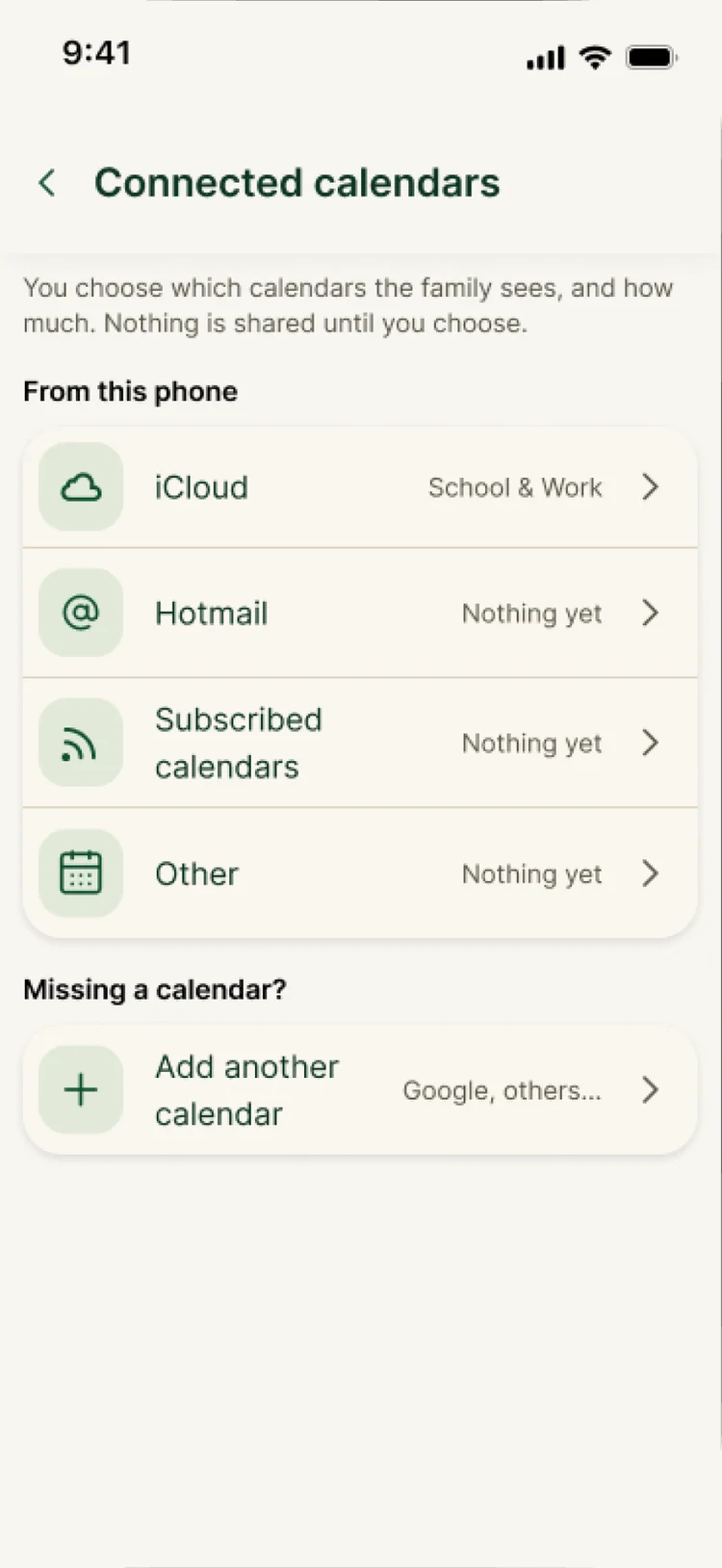
Connect once, decide for each calendar
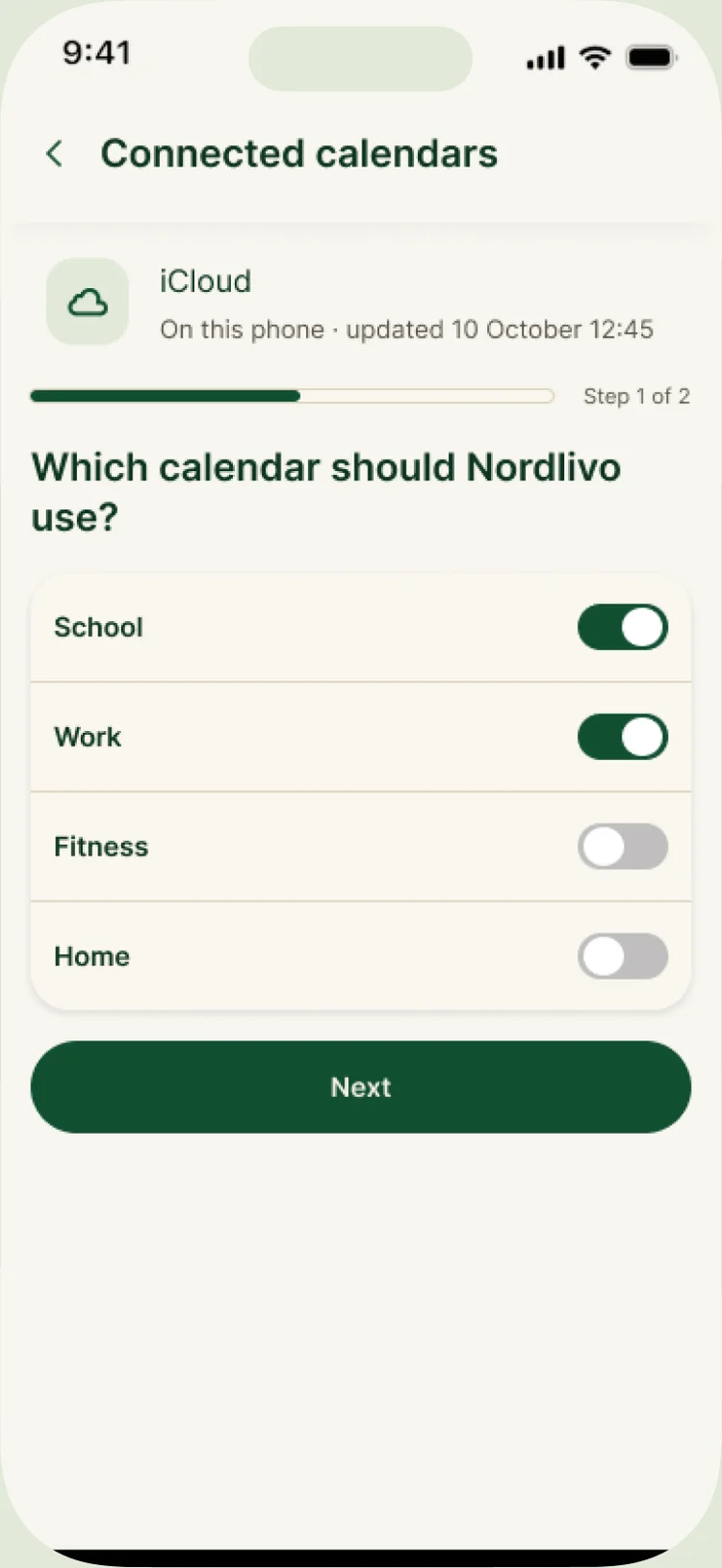
Pick the calendars to bring in
Start with the calendars on your phone, like iCloud, or add Google Calendar. Then switch on the ones Nordlivo should use.
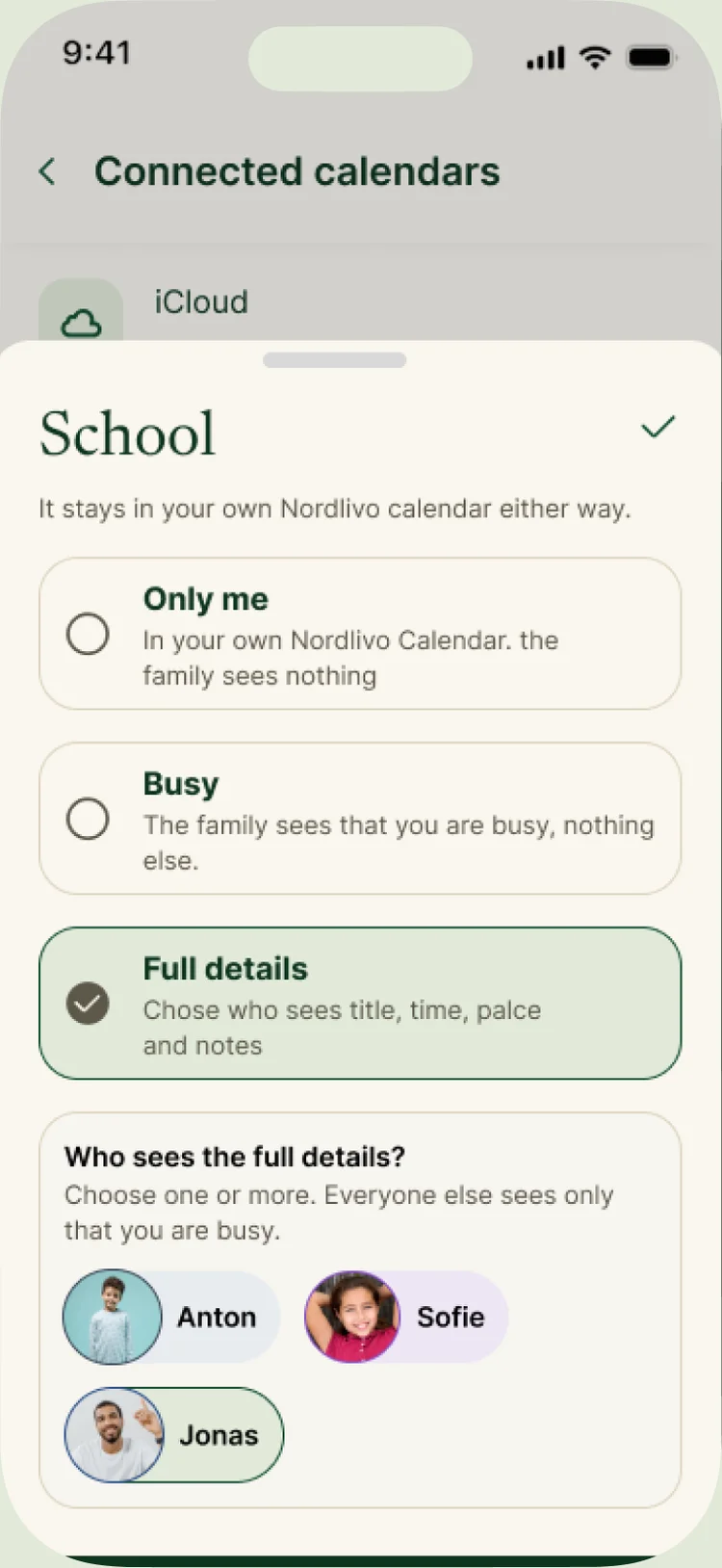
Choose what the family sees
For each calendar: only you, just that you’re busy, or the full details. Whatever you choose, it stays in your own Nordlivo calendar.
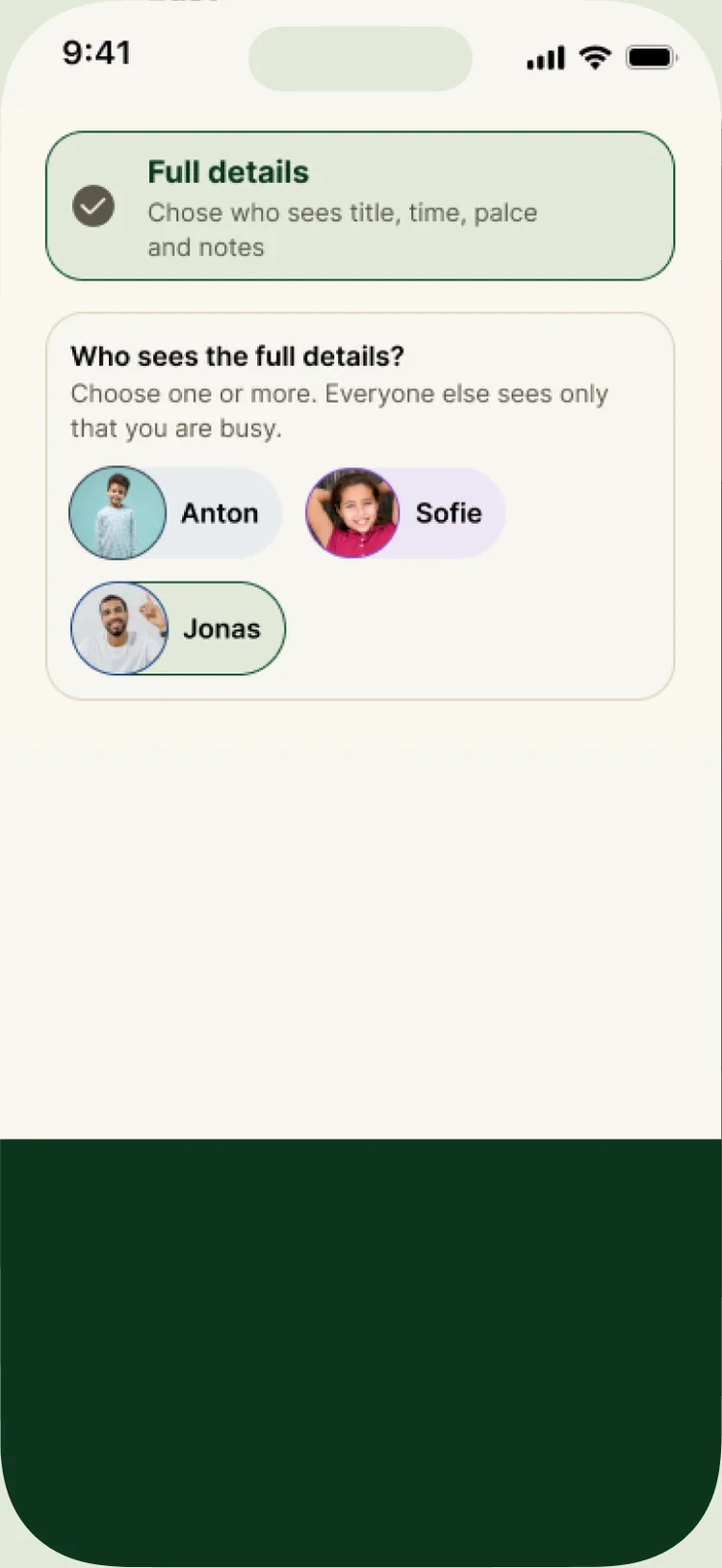
Choose who sees the details
Show the details to your partner and keep them from the children, or the other way round. Then preview what the family sees.
Private until you say so

Connect calendars you already use
Bring in iCloud and the other calendars on your phone, subscribed calendars, and Google Calendar.


Nothing is shared until you choose
Connect your own calendars and choose for each one what the family sees: only you, just that you’re busy, or the details you choose.


 Anton
 Sofie
 Jonas

Preview before you share
See exactly what the family will see before anything is shared.

Join the waitlist
The app opens soon in the App Store and Google Play. Join the waitlist and we will tell you that day.